Built for how you work
Whether you're managing your inbox, running a business, or building on top of OpenClaw — Kana adapts to your workflow.
One platform. Three ways to use it.
Kana adapts to your needs — whether you want a personal productivity assistant, a business tool that remembers your clients, or a developer-grade AI platform with full API access. Same infrastructure, different superpowers.
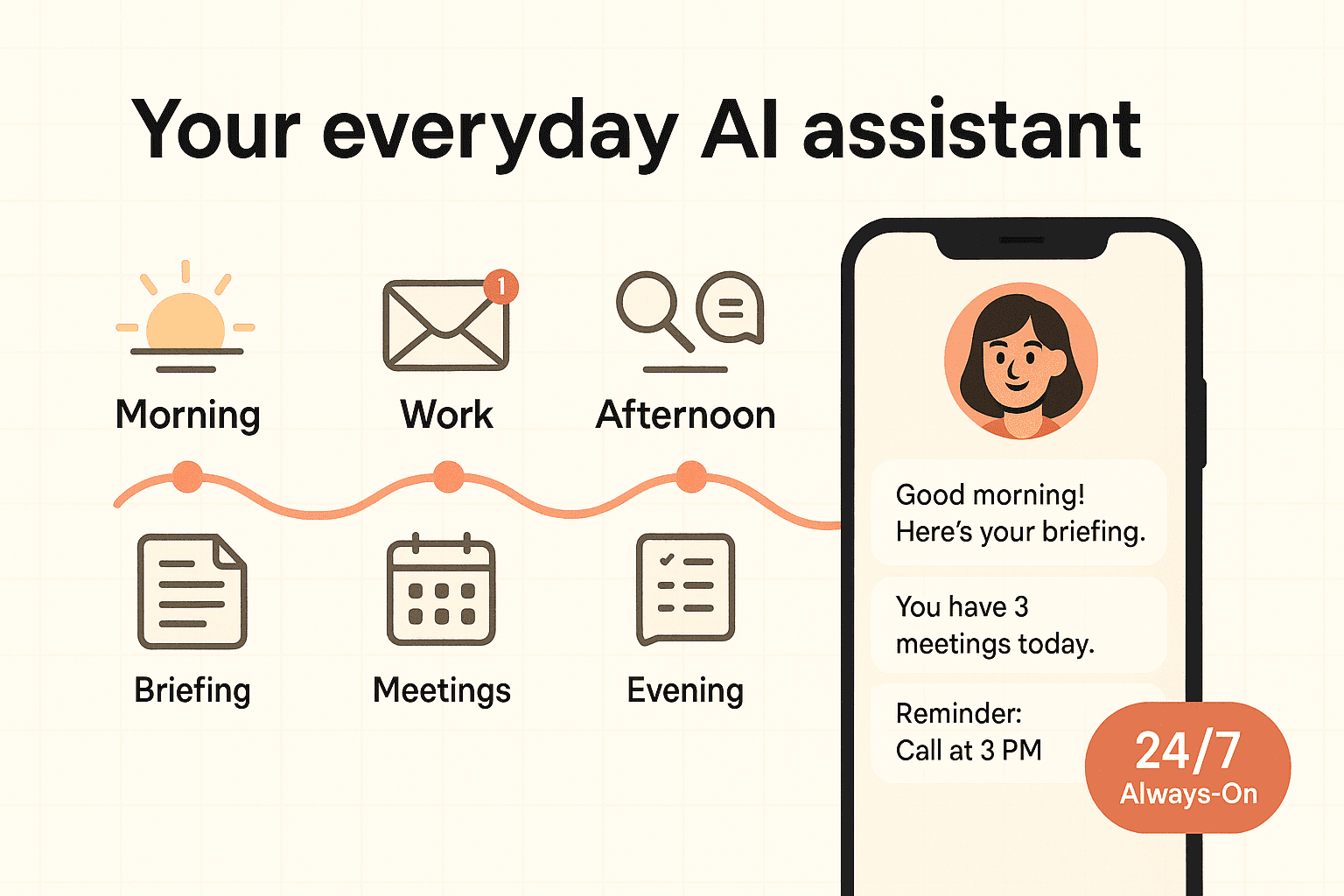
Your everyday AI assistant
Imagine starting every day knowing exactly what needs your attention.
Your Kana assistant checks your email before you wake up, reviews your calendar, and sends you a morning briefing with everything that matters. It drafts responses, tracks follow-ups, and remembers the context of every conversation you've ever had with it.
- Morning briefing with your day's schedule and priorities
- Email triage — flags urgent messages, drafts responses
- Calendar management — finds free slots, proposes meeting times
- Research on demand — summarizes articles, compares products
- Follow-up tracking — reminds you when someone hasn't replied
- Personal knowledge base — remembers what you tell it
Real scenario
Sarah is a freelance consultant. Before Kana, she spent the first 90 minutes of every day triaging emails, reviewing her calendar, and trying to remember what she promised clients last week. Now her assistant handles all of that — she wakes up to a briefing that tells her what's urgent, what's due, and who she hasn't heard back from.
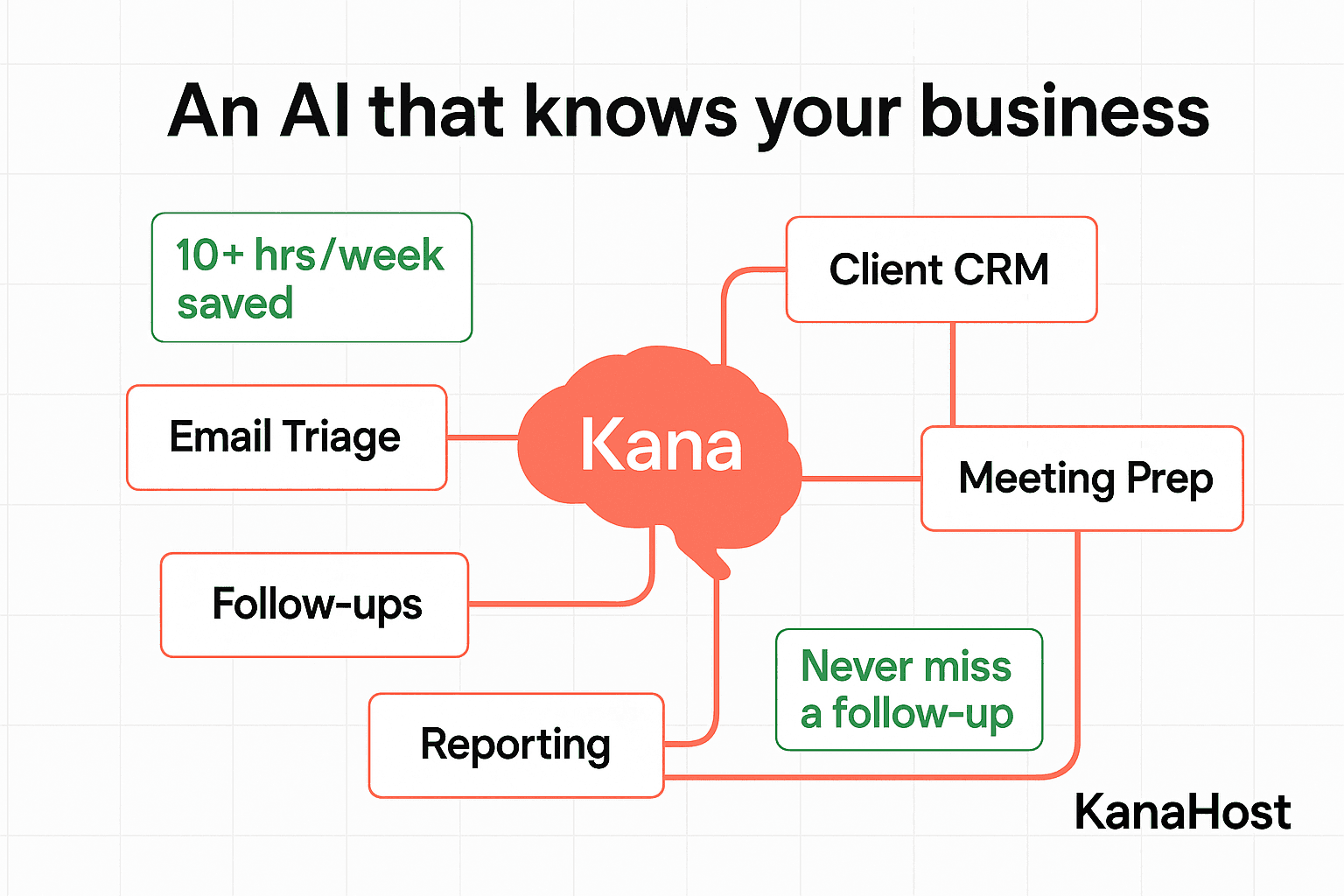
An AI that knows your business
What if your AI assistant remembered every client interaction you've ever had?
With Kana's Knowledge Graph and built-in CRM, your assistant builds a living map of your business relationships. It logs every interaction, tracks every follow-up, and surfaces the right context at the right time — across Telegram, WhatsApp, Slack, email, and voice.
- Client context recall — remembers your last conversation with any contact
- CRM integration — logs interactions, tracks follow-ups automatically
- Multi-channel access — Telegram, WhatsApp, Slack, Email, Voice
- Meeting prep — briefs you on attendees and outstanding items
- Invoice and deadline tracking
- Team coordination via shared knowledge graph
Real scenario
Jamie runs a small agency with 30+ active clients. Before Kana, client context lived in his head — or worse, scattered across Slack threads, emails, and a half-updated spreadsheet. Now his assistant knows every client, every project, every outstanding item. When a client messages at 9pm, Jamie's assistant can draft an informed response without Jamie lifting a finger.
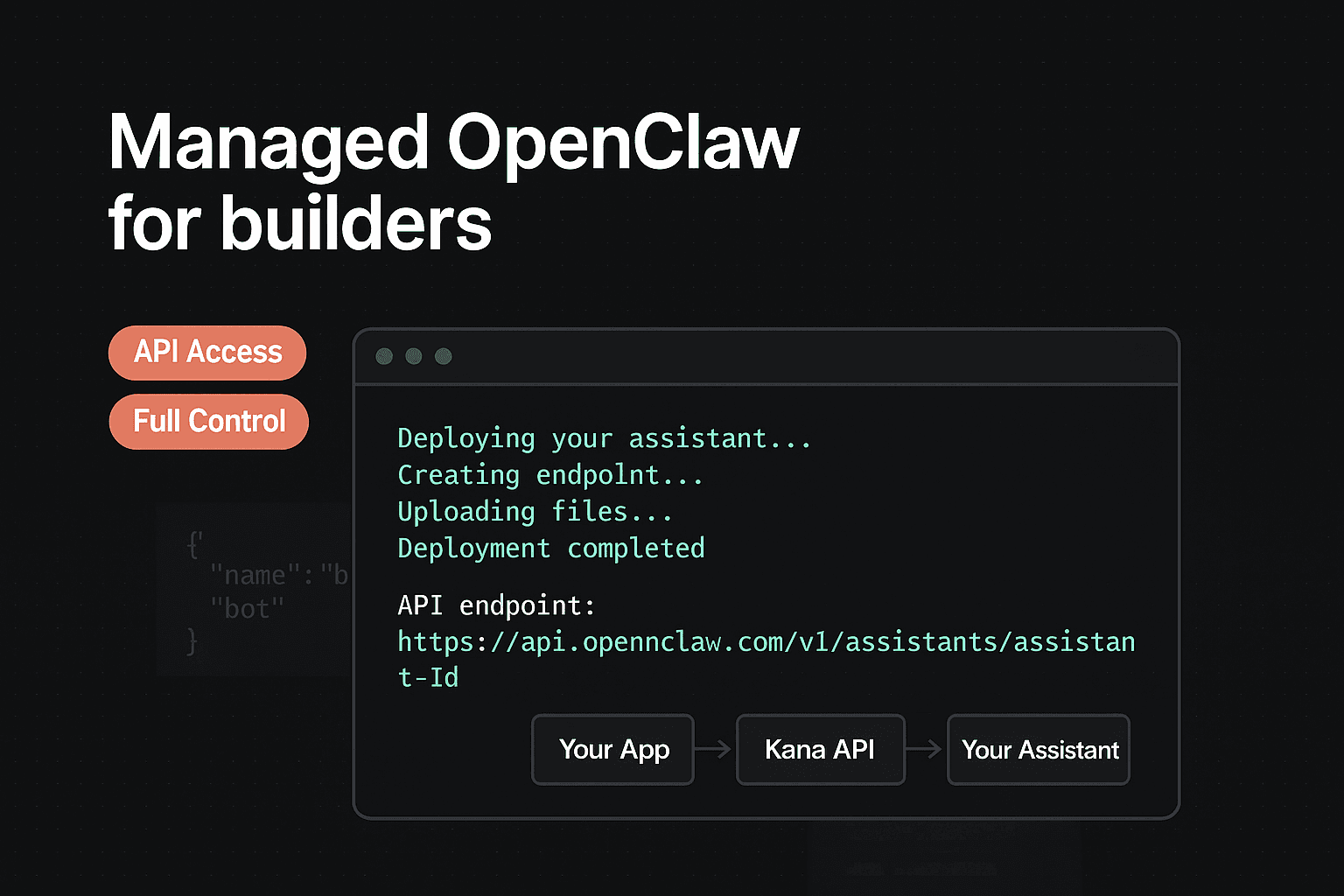
Managed OpenClaw for builders
All the power of self-hosting. None of the 3am pages.
You know what OpenClaw can do — you've probably even self-hosted it. Kana gives you a dedicated instance with full API access, custom skill support, and the infrastructure you'd spend weeks building yourself: Tailscale VPN, self-healing watchdog, automatic updates with rollback, and 99.9% uptime.
- Custom skills — extend your assistant with Python scripts
- API access — integrate with your own tools and workflows
- Self-healing infrastructure — never babysit a server again
- Automatic updates — always on the latest stable OpenClaw
- Tailscale VPN — secure access from any network
- Multiple personas for different projects or contexts
Real scenario
Taylor self-hosted OpenClaw for three months. The assistant was incredible. The ops work was not — Docker crashes, SSL renewals, update anxiety, and no monitoring. Switching to Kana Enterprise meant keeping full API access and custom skills while never touching a terminal again.
One assistant. Every channel.
Whether you message via Telegram, WhatsApp, Discord, Signal, Slack, email, or voice — your assistant has the same context, the same memory, and the same capabilities. No channel silos.
Quick plan comparison
Not sure which plan?
Start with Starter and upgrade anytime. All plans include a dedicated server, self-healing, and multi-channel access.