From signup to AI assistant in under 24 hours
No terminals. No configuration files. No technical steps. We handle everything.
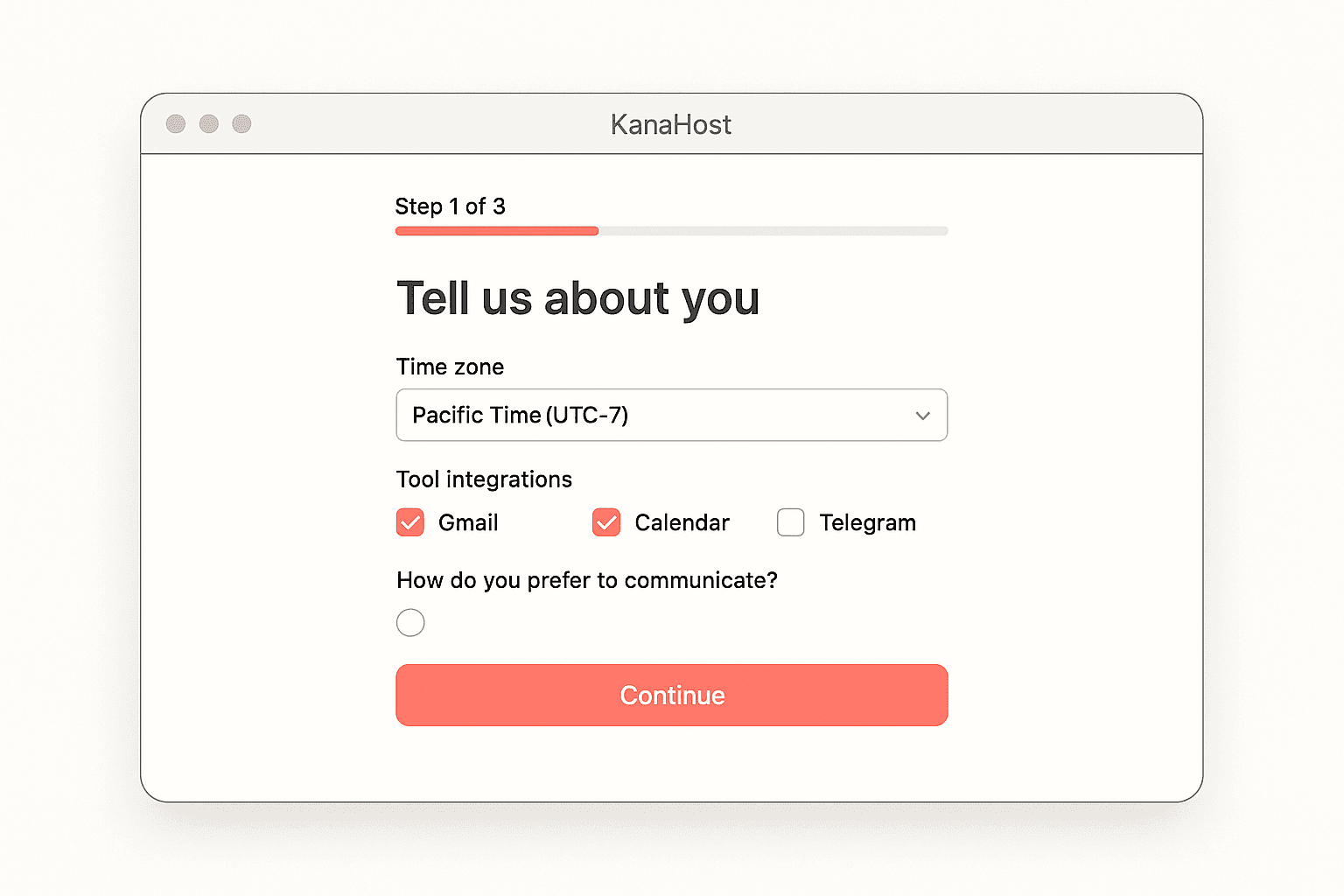
Tell us about you
Complete a short onboarding questionnaire — takes about 3 minutes. We ask about your timezone, the tools you use, what you need help with, and how you prefer to communicate.
- Your timezone and working hours
- Tools you use (Gmail, Calendar, Slack, etc.)
- What you need help with most
- Preferred communication channels
- Your AI model API keys (guided setup)
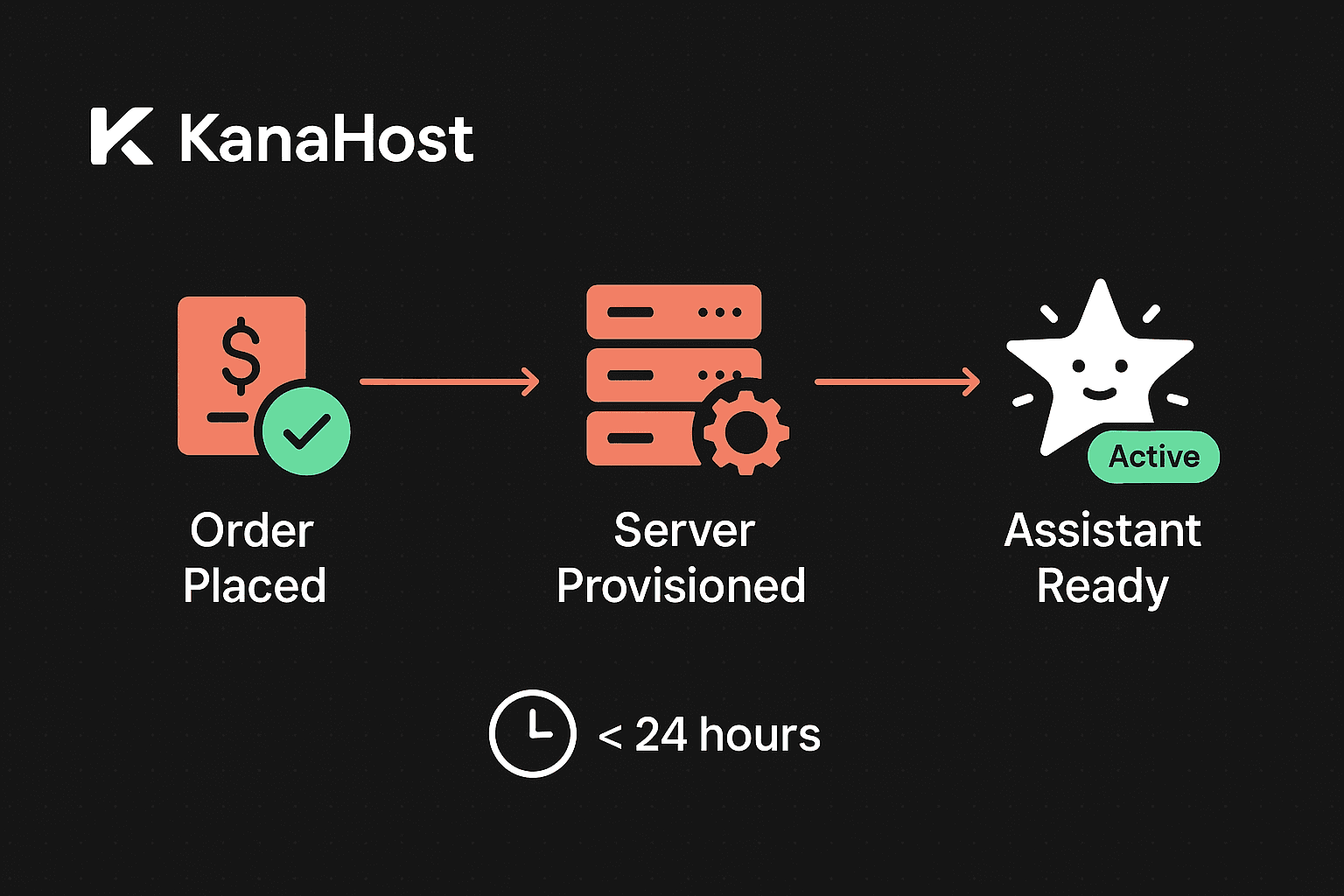
We provision your server
Behind the scenes, we spin up a dedicated server in a Hetzner data center, install and configure OpenClaw with our smart pre-configuration, set up Tailscale VPN, configure monitoring, and connect your channels.
- Dedicated Hetzner server provisioned
- OpenClaw installed with smart pre-configuration
- Tailscale VPN + Let's Encrypt TLS
- Self-healing watchdog activated
- Your channels connected and tested
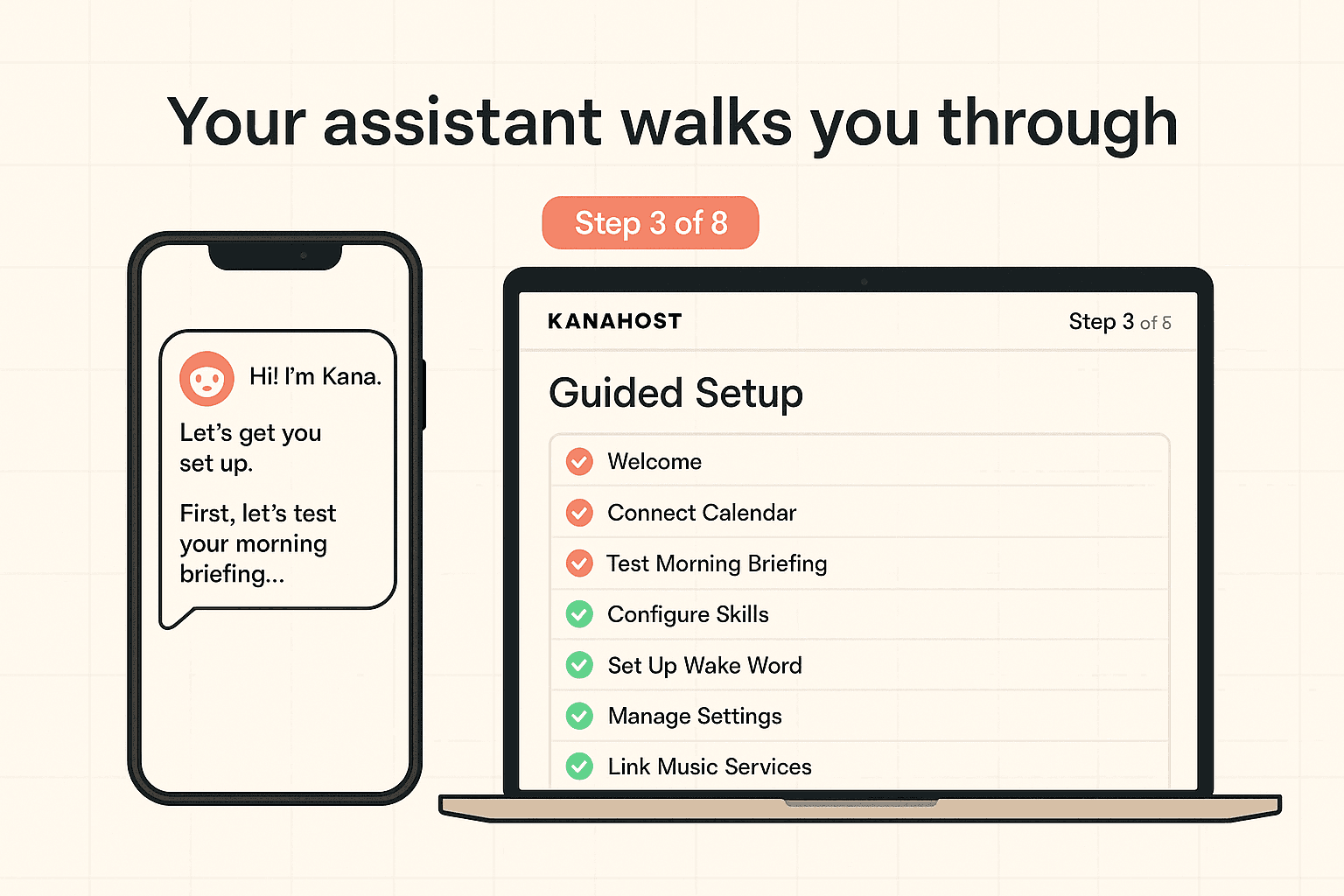
Your assistant walks you through
Your AI assistant introduces itself in your preferred messaging app and runs you through 8 guided tests — morning briefing, email triage, calendar check, research, follow-ups, knowledge recall, and more.
- Introduction message via Telegram/WhatsApp
- Morning briefing test
- Email triage demonstration
- Calendar management walkthrough
- Research and web search test
- Follow-up tracking setup
- Knowledge graph demo (Pro+)
- Voice call test (Pro+)
What happens in 24 hours
You complete the onboarding form
Server provisioning begins
OpenClaw installed and configured
Channels connected and tested
Self-healing watchdog verified
Full QA pass complete
Your assistant sends its first message
“I expected it to take days. My assistant was up and running before lunch.”
Sarah K. — Consultant